
How to set up a Basic Authentication with the HTTP Connector?

The HTTP connector has properties to perform multiple Authentications to a REST API.
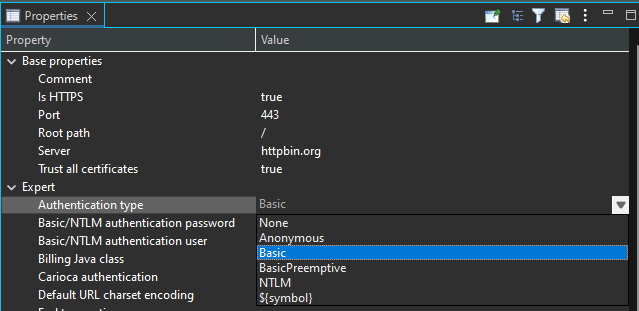
For a ‘Basic' authentication change the ‘Authentication type’ property from ‘None’ to 'Basic’.
Then use ‘Basic/NTLM authentication user' and 'Basic/NTLM authentication password’ properties to set the authentication credentials:
Sometimes, this way of proceeding is not enough to take more control on dynamic values.
So, there are alternatives you can use to perform dynamic Basic Authentication:
#1 Modify onTransactionStarted() handler to add the Authorization header in the HTTP transaction
Add the transaction started handler in your HTTP transaction:
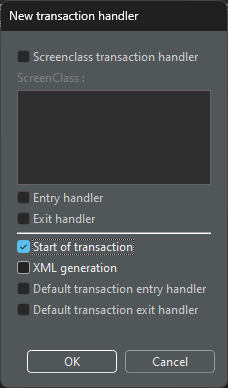
New transaction handler : Start of transaction
Double-click the transaction and add the following to the onTransactionStarted() function:
var auth_header = 'Basic ' + com.twinsoft.convertigo.engine.util.Base64.encodeString(tr_basic_user + ':' + tr_basic_password);
var header = new com.twinsoft.convertigo.beans.common.XMLVector();
header.add('Authorization');
header.add('mytoken');
context.connector.httpParameters.add(header);
tr_basic_user and tr_basic_passwordare the transaction variables that hold the credentials.

Output example:

Basic Authorization request header output
#2 Use a sequence to generate the Authorization header and use Convertigo internal engine variable __header_XXX
Leave the ‘Authentication type' HTTP Connector property to 'None’
Use the '__header_Authorization' variable in your transaction
In the sequence, you can generate the Basic Authorization value with a jElement Step and the following ‘Expression’ property:
'Basic ' + com.twinsoft.convertigo.engine.util.Base64.encodeString(basic_user + ':' + basic_password);In your Call_transaction Step, Source the __header_Authorization variable with the jElement Step value:
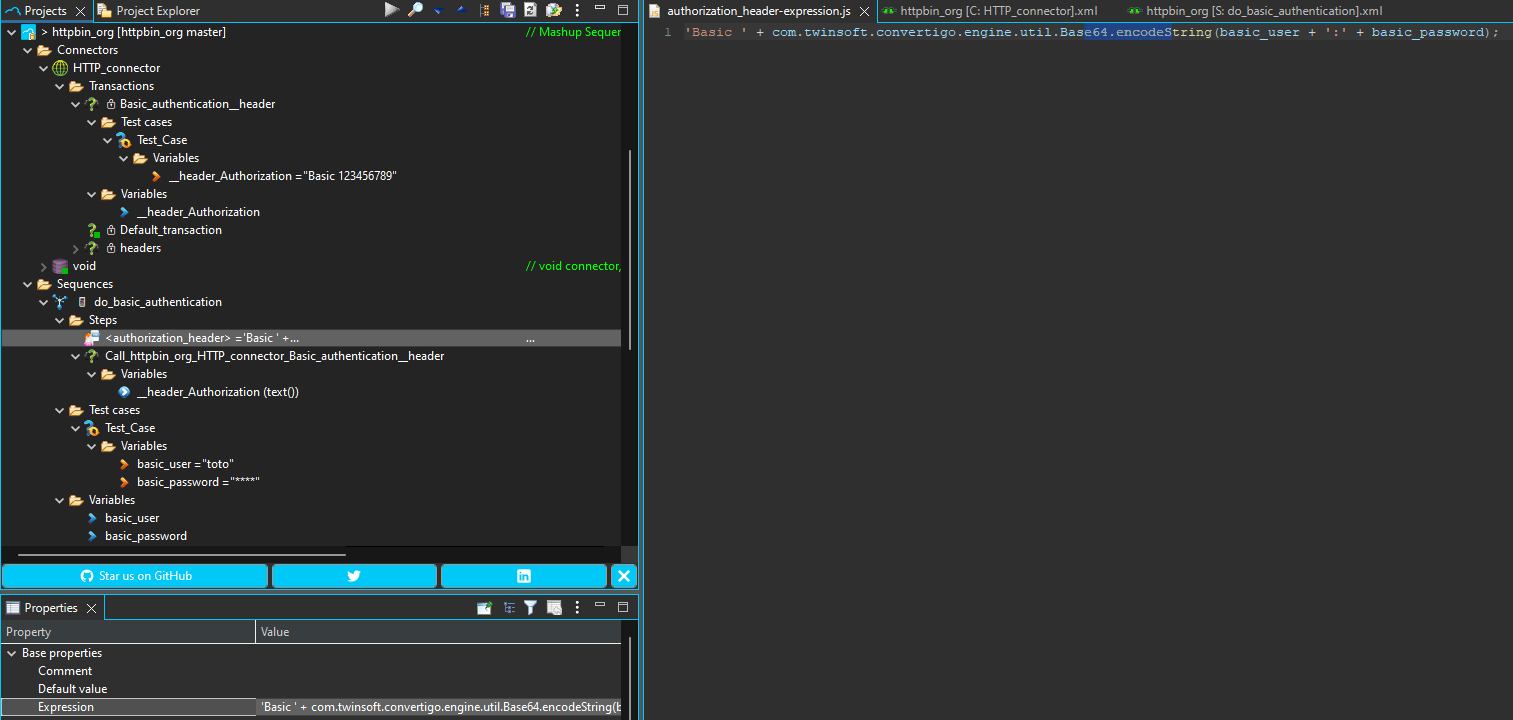
JS code to generate the B64 Basic Authorization
Output example:
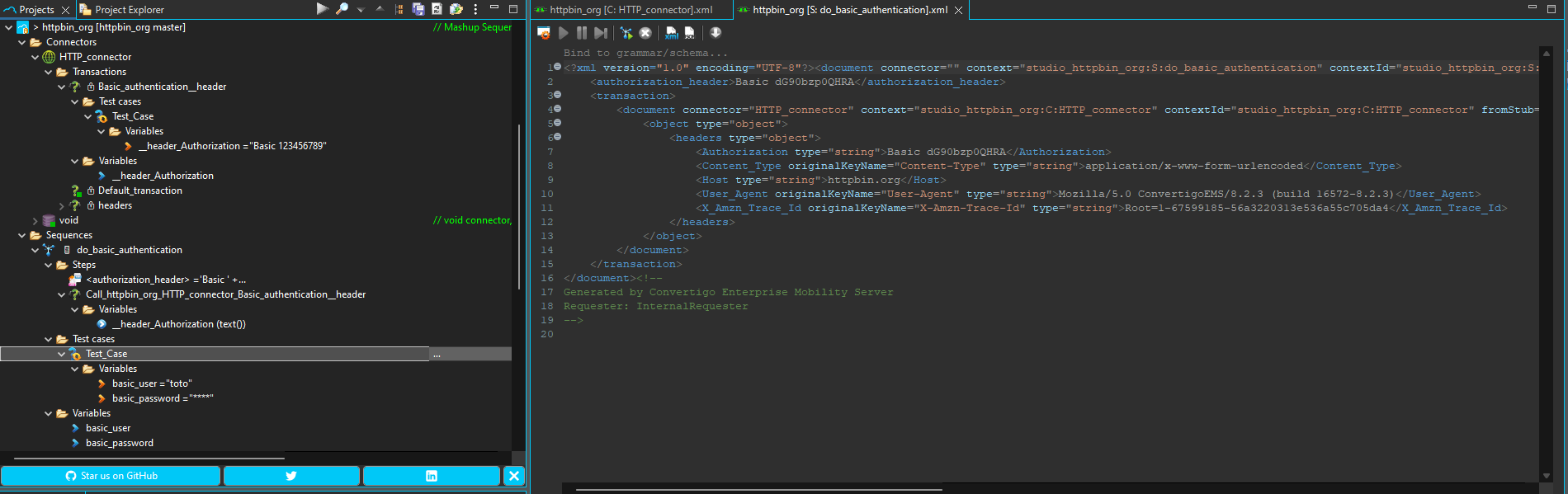
Basic Authorization request header output