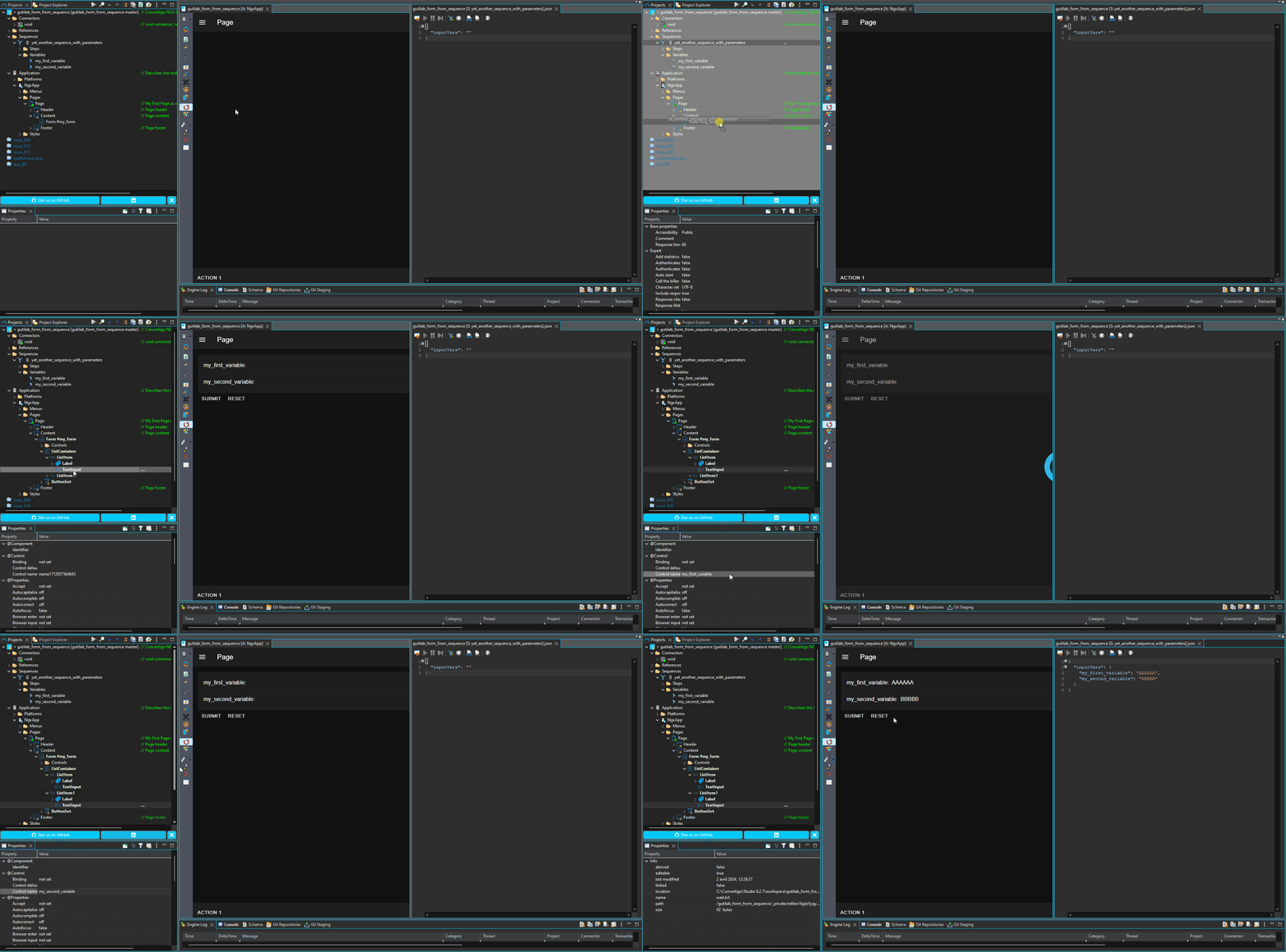
How to use automatic Form Inputs generation from a Back End Sequence?
According to the documentation here https://doc.convertigo.com/documentation/latest/programming-guide/frontend-developers/#using-forms
You can drag and drop a Sequence to a Form component in your Front End application to automatically generates the Input components, Submit Event and Buttons.
Steps:
Drag with the CTRL (Windows) key pressed and drop your Back End Sequence to the Form component.
Once the Sequence is dropped on the Form component, all components are automatically created (List, Item, Label, Input, Buttons, Submit Event).
As of Studio v8.2.7, you will have to manually modified the ‘Control name' properties of your Input components to reflect the Sequence’s variables name (this will also be automatic in future release).
You will find below an animation that will show you exactly the process: